













 Mehr erfahren
Erfolgsgeschichte
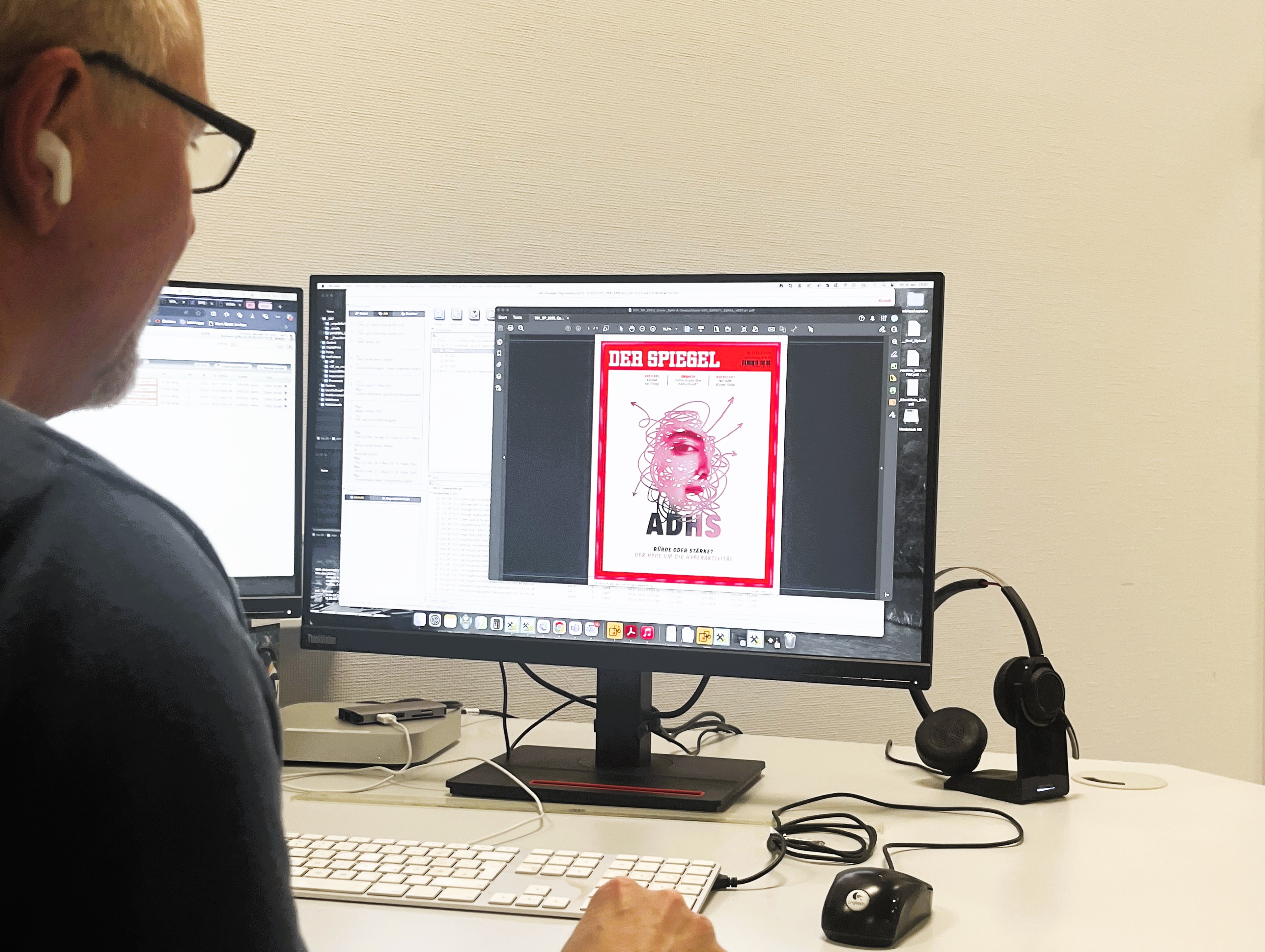
Zeitschrift

Innovation aus Tradition – Wir stehen für jahrzehntelange Erfahrung, modernste Drucktechnologie und umfassende Beratung
Viele unserer Kunden vertrauen bereits seit vielen Jahren auf uns als zuverlässigen Druckdienstleister – ob Großkonzerne oder kleine und mittelständische Unternehmen.
Bei jedem Druckvorhaben – ob in Klein- oder Großauflage – streben wir immer nach der höchsten Qualität.
Wir können mehr drucken als alle anderen – etwa 72 Millionen Prospekte pro Woche. Aber auch Kleinstauflagen für Bücher.
Wir sind Teil der Bertelsmann Marketing Services. Das macht uns zukunftssicher am Markt und bietet unseren Kunden und Kundinnen alle Marketingservices aus einer Hand.
Wir fertigen die passende Lösung für Ihr individuelles Vorhaben – und können dabei auch auf kurzfristige Änderungen reagieren.
Bei uns erhalten Sie immer eine persönliche Beratung und feste Ansprechpartner und Ansprechpartnerinnen für Ihren Auftrag.
Starten Sie Ihre Karriere bei Mohn Media – dem führenden Druck- und Mediendienstleister Europas mit Standort in Gütersloh.